

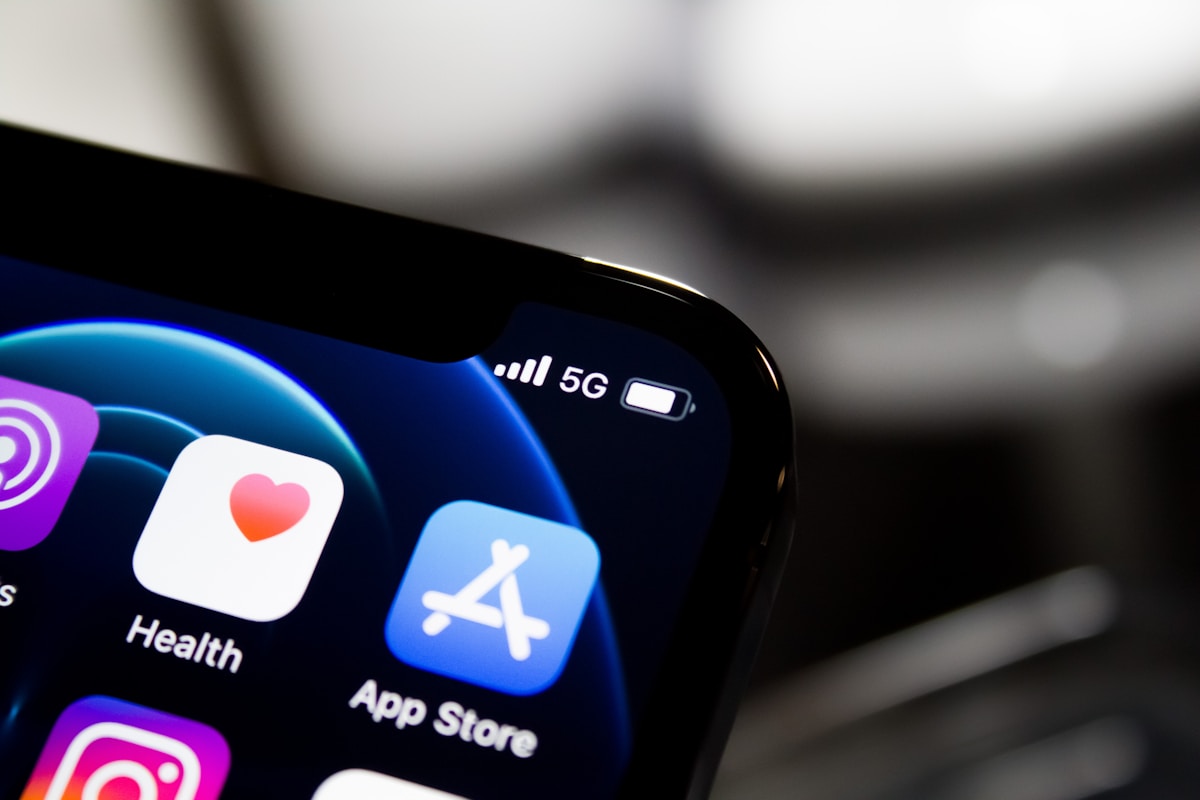
Most developers ignore ASO and then wonder why downloads are flat — even after spending $50K+ on development. App Store Optimization is how iPhone users find your app. Here’s what actually moves the needle, with a practical checklist for 2026.
What ASO Actually Affects
Two things: discoverability and conversion.
Discoverability is whether your app appears when someone searches. Keywords drive this. Conversion is whether they download after seeing your listing. Icon, screenshots, and reviews drive this.
Most teams focus only on one. You need both.
App Name (30 characters)
Your most valuable keyword real estate. Put your primary keyword in the name — not just your brand.
Bad: “Trova”
Good: “Trova — Expense Tracker”
Don’t stuff it. The name appears everywhere. It has to read naturally. But if you’re building an expense tracker and “expense” isn’t in your name, you’re leaving search ranking on the table.
Subtitle (30 characters)
Second-most valuable keyword slot. Indexed by the App Store algorithm. Use it for your secondary keyword — the one that didn’t fit in the name.
Bad: “Track your money smarter”
Good: “Budget Planner & Bill Tracker”
No fluff. Every word should be a keyword or support a keyword.
Keywords Field (100 characters)
This field is invisible to users but indexed by the App Store. Rules:
- Comma-separated, no spaces after commas.
- Don’t repeat words already in your name or subtitle.
- Don’t include your own brand name or competitors’ names.
- Use singular forms — Apple indexes plurals automatically.
- Think about what your users type, not marketing language.
Research tools: AppFollow, AppTweak, Sensor Tower. Worth using before you finalize keywords.
Description
The description is not indexed by the App Store search algorithm. It doesn’t affect keyword ranking. It affects conversion — what users read if they tap “more.”
Most users don’t read it. Your first three lines (above the “more” fold) are what matter. Lead with your core value proposition. Don’t bury it in paragraph 4.
Icon
The first thing users see. It affects click-through rate from search results more than anything else on the page.
- Test it against competitors in your category. Your icon needs to stand out in that grid.
- Simple beats complex. One clear visual concept.
- No text if you can avoid it. It’s too small to read at search-result size.
- Test dark mode. Your icon appears on both light and dark backgrounds.
A/B test your icon before settling. The difference between a good and great icon can be 20–40% in conversion rate.
Screenshots
Screenshots are your sales pitch. Most users decide to download based on screenshots alone, without reading a word.
- First screenshot is your most important. Lead with the thing that makes your app worth having.
- Add short captions. Not feature names — outcomes. “Log expenses in 5 seconds” beats “Fast Entry.”
- Show real UI, not mockups. Users trust real screens.
- Portrait orientation for phone-native apps. Landscape wastes space.
- 5–6 screenshots is enough. More dilutes attention.
Preview Video
Optional, but effective for apps where motion matters — games, animation-heavy interfaces, fitness apps. Plays automatically in search results on supported devices.
Keep it under 30 seconds. Lead with the hook. Don’t narrate — show the app doing something impressive.
Ratings and Reviews
A 4.5+ rating dramatically improves conversion. There’s no shortcut here.
- Use
SKStoreReviewRequestAPIto prompt for reviews at the right moment — after a completed task, a milestone, a positive outcome. Never on open. - Respond to negative reviews. It shows you’re active and helps conversion for readers who see the exchange.
- One bad review isn’t a problem. A pattern of the same complaint is a product signal, not just a reputation issue.
Localization
Localizing your metadata — name, subtitle, keywords, screenshots — for additional markets multiplies your reach without changing the app. Spanish, French, German, Portuguese (Brazil) cover the biggest App Store markets outside English.
Each locale gets its own keyword field. That’s 100 more characters of keyword real estate per market.
Updates and Freshness
Regular updates signal an active app. The App Store algorithm favors recently updated apps in some categories. Each update is also an opportunity to refresh your screenshot set and metadata.
Don’t update just to update — but when you do update, treat it as an ASO opportunity.
What ASO Won’t Do
ASO won’t save a bad product. If users download and immediately churn, your ratings will reflect it. Conversion rate in the App Store is partly driven by retention signals.
Get the product right first. Then optimize for discovery.
Where to Start
If you’re launching soon and haven’t done any ASO:
- Fix your name and subtitle — make sure your primary keyword is in one of them.
- Fill the keywords field with 100 characters of researched terms.
- Redesign your screenshots if they’re feature-based rather than outcome-based.
- Set up review prompts with
SKStoreReviewRequestAPI.
That’s enough to meaningfully improve discoverability before launch. The rest you optimize over time.
Frequently Asked Questions
Does the description affect App Store search ranking?
No. The description is not indexed by the App Store search algorithm. It affects conversion (whether users download after visiting your page), not discoverability.
How do I find the right keywords?
Use ASO tools like AppTweak, AppFollow, or Sensor Tower. Type your core use cases into the App Store search bar and see what autocompletes. Look at what keywords your top competitors use in their names and subtitles.
How long does it take to see ASO results?
Keyword changes take effect within 1–2 days of App Store approval. Ranking changes from those keywords take longer — typically 2–4 weeks before you see meaningful movement in search position.
Should I localize my app or just the metadata?
Start with metadata localization. It’s fast and high-ROI. Full app localization is a separate engineering investment — worth it once you’ve validated demand in a market through metadata localization first.
Do ratings affect App Store search ranking?
Indirectly, yes. Higher ratings correlate with better conversion rates, and the App Store algorithm factors in conversion signals. There’s also evidence that rating velocity (recent reviews) influences ranking in some categories.








.svg)


