

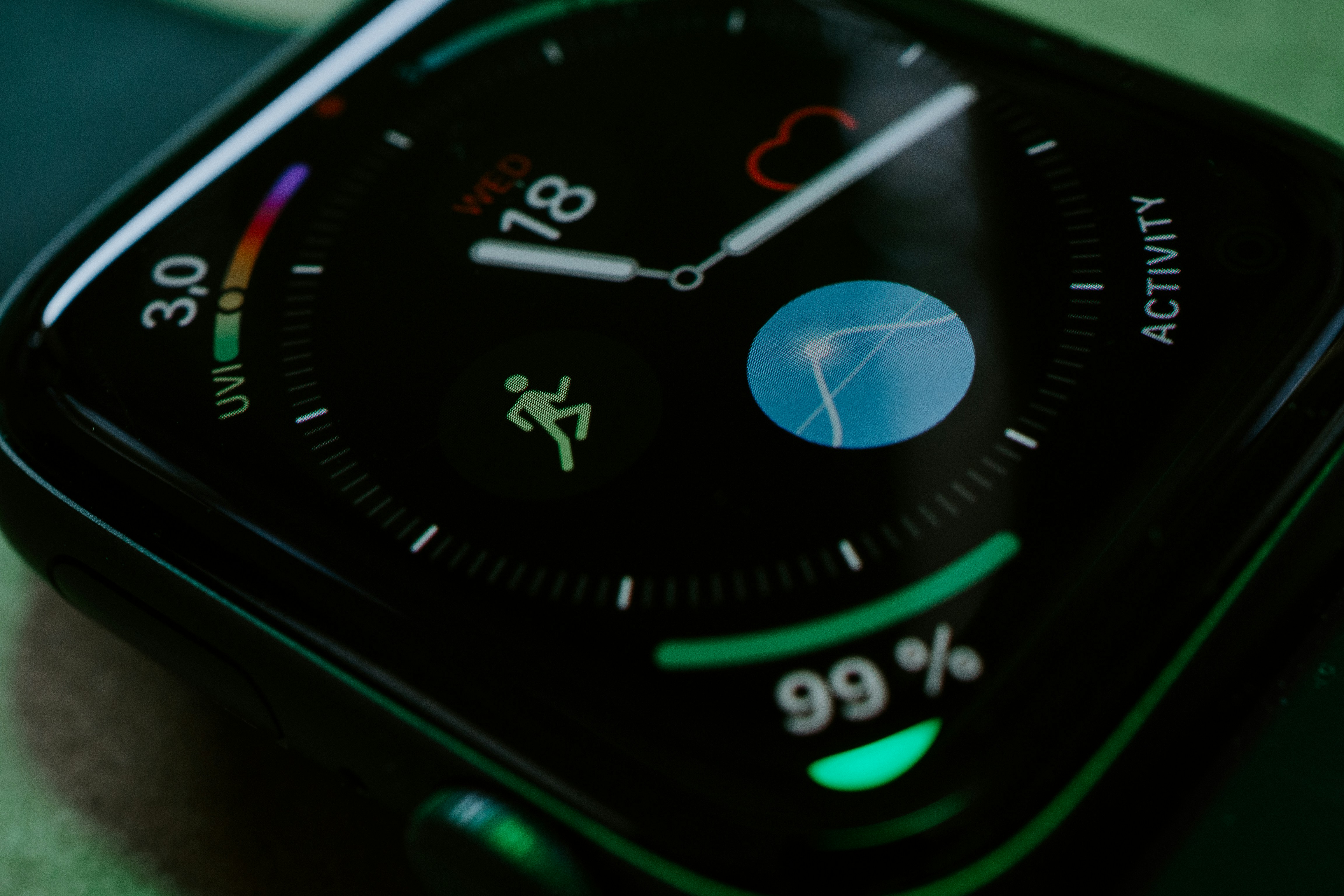
TL;DR
- Apple Watch is the leading wearable device in 2026 — over 200 million units shipped, dominant smartwatch revenue share, the most mature developer platform of any wearable
- What you need: a Mac (any Apple Silicon model from 2020+), Xcode (free), an Apple Developer account ($99/year), and ideally a real Apple Watch for testing
- Learning path: Swift basics → SwiftUI → watchOS-specific patterns → ship your first TestFlight build
- Realistic timeline: 4–8 weeks from zero to a working personal-project watch app on TestFlight
- When to bring in a studio: production app, paying users, health data, or anything you can't afford to debug for three months
Written by the Applefy team — we ship native watchOS apps as part of our standard iOS engagements and help engineers and founders get started with the platform.
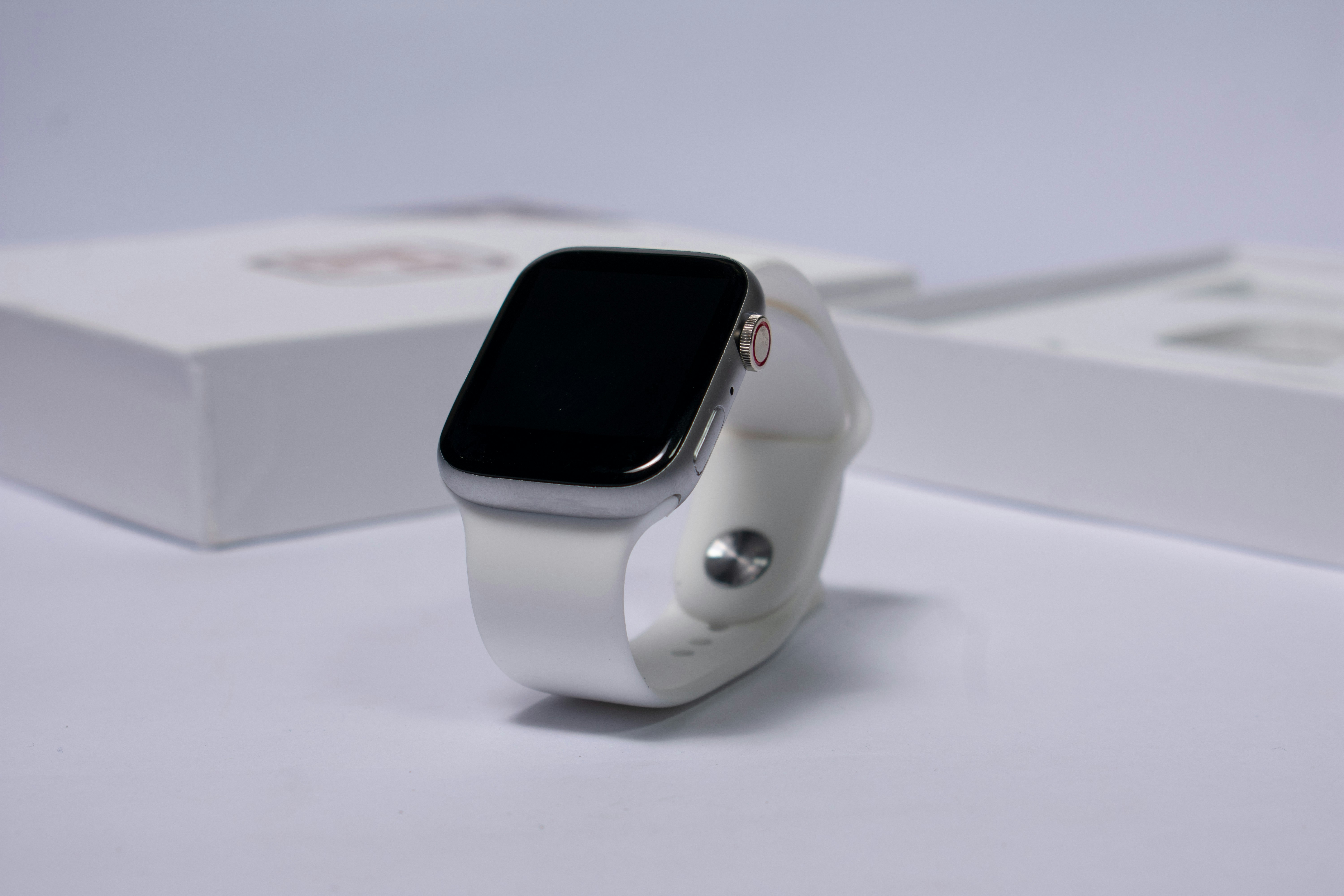
Apple Watch is the dominant wearable computing platform in 2026. If you're going to learn one wearable platform, this is the one. The toolchain is free, the documentation is good, and the path from "never written Swift" to "app on a real watch" is well-trodden.
Here's what we tell engineers and founders who want to start.
Why Apple Watch Is the Leading Wearable in 2026
Three reasons:
- Market dominance. Apple has shipped over 200 million Apple Watches lifetime. watchOS leads global smartwatch revenue share by a wide margin. Wear OS, Garmin, and Fitbit each have a fraction of that footprint.
- Mature developer platform. Native Swift and SwiftUI, deep HealthKit integration, WidgetKit complications, the Workout API. The toolchain is the most polished of any wearable platform.
- User engagement. Apple Watch users actually wear their devices and use third-party apps. The same isn't reliably true on competing platforms.
If you're picking a wearable platform to invest in as a developer or founder, Apple Watch is the default answer. Most other wearables either have small user bases, restricted SDKs, or neither.
What You Need to Start
Hardware
| Item | Required? | Notes |
|---|---|---|
| Mac (Apple Silicon recommended) | Yes | Any M1–M4 from 2020+. Older Intel Macs work but are slow for Xcode |
| Xcode | Yes | Free download from Mac App Store |
| iPhone | Strongly recommended | For testing companion app and pairing |
| Apple Watch | Strongly recommended | Simulator works for prototyping, real device required for shipping |
| Apple Developer account | Yes for shipping | $99/year. Free for local testing only |
Software
Xcode is the only IDE you need. Free from the Mac App Store. Includes the Apple Watch simulator, Swift compiler, debugger, and Instruments for profiling.
You don't need any third-party tools to start. Add SwiftLint and Git later. Skip cross-platform frameworks — React Native and Flutter have weak watchOS support and aren't worth learning if your goal is the Apple platforms.
Apple Developer Account
$99 USD per year. Required to ship to the App Store and TestFlight. Free Apple ID is enough for local development on the simulator and one Apple Watch tied to that Apple ID.
For full setup, see our Apple Developer Program enrollment guide.
The Learning Path
Don't try to learn watchOS first. Learn Swift, then SwiftUI, then layer on watchOS specifics. The order matters — watchOS makes much more sense once you understand SwiftUI's mental model.
| Stage | What to learn | Resource | Time |
|---|---|---|---|
| 1. Swift basics | Optionals, closures, structs, protocols | Swift Playgrounds (free) or Hacking With Swift's Swift Tutorial | 1–2 weeks |
| 2. SwiftUI fundamentals | Views, state, navigation, lists | 100 Days of SwiftUI by Hacking With Swift (free) | 2–3 months part-time |
| 3. watchOS-specific patterns | Layout, navigation, complications, AOD | Apple's watchOS HIG + sample code | 2–3 weeks |
| 4. Ship your first app | TestFlight, App Store Connect setup | Build a tiny project end-to-end | 2–4 weeks |
Total: 4–8 weeks from zero to a working watchOS app on TestFlight. Faster if you already know Swift or another modern language. (See our Swift guide for deeper Swift learning resources.)
watchOS-Specific Concepts to Learn
Once you're comfortable with SwiftUI, these are the watchOS-specific things you actually need to know:
- Layout patterns: List, TabView (.page style), NavigationStack — the three navigation primitives
- Complications with WidgetKit: Timeline-based updates, complication families, watch face placement (see our complications guide)
- WatchConnectivity: Sharing data between watch and iPhone
- HealthKit and Workout API: If your app touches fitness or health (see our health and fitness guide)
- Background tasks and refresh budget: Critical for any app with live data
- Always-On Display (AOD): Required for Series 5 and later (see our design guide)
- Independent vs companion architecture: Pick based on use case (see our architecture guide)
Your First watchOS Project: Keep It Tiny
The mistake every beginner makes: starting too big. The watch is a constrained platform. The constraints reveal themselves only when you ship something to a real device.
Good first projects:
- A timer with custom intervals
- A workout counter (push-ups, pull-ups, etc.) that saves to HealthKit
- A simple weather complication
- A breathing or meditation reminder
- A hydration tracker
Each of these can ship in 2–4 weeks of part-time work. Each teaches the platform's constraints. Each is the right size for a first watchOS app.
Bad first projects:
- A standalone fitness app with multiple workout types and a backend
- A messaging app
- A finance app with portfolio sync
These are real apps that take real teams months. Don't start there.
Common Beginner Mistakes
- Skipping the simulator-to-real-device transition. The simulator lies about touch targets, AOD behavior, battery, and Digital Crown feel. Test on a real watch before you ship.
- Designing iPhone density. Three pieces of information per screen, not seven. The watch is not a small phone.
- Ignoring battery profiling. First-time watch apps drain battery 3–5x what they should because the developer never opened Instruments.
- Using ClockKit instead of WidgetKit for new apps. ClockKit is deprecated. New code uses WidgetKit.
- Trying to ship on day one. Get a working app on your wrist via TestFlight first. Then iterate. Then submit to the App Store.
When to Bring in a Professional Studio
Bring in pros when:
- You have paying users or are about to. Production-grade quality matters.
- You're shipping health data — HealthKit privacy review is unforgiving.
- The app is part of a paid product — the watch experience reflects on your whole brand.
- You can't afford 2–4 months of part-time learning before shipping.
- You need iPhone, watch, and possibly Wear OS shipped together.
That's where Applefy fits. We're a Valencia-based studio that ships native watchOS apps as part of our standard iOS engagement — senior engineers, transparent pricing, no junior handoffs.
If you're learning watchOS for fun or for a side project, build it yourself. If you're shipping for paying users, work with a team that's done it before.
Book a free first conversation: applefy.tech
Frequently Asked Questions
Do I need a real Apple Watch to develop for watchOS?
For learning and prototyping, the simulator works. For shipping production apps, you need a real watch. The simulator misrepresents touch targets, AOD behavior, battery, and Digital Crown feel.
Can I develop Apple Watch apps on Windows or Linux?
No. Xcode runs only on macOS. You need a Mac. Apple Silicon (M1–M4) is recommended; older Intel Macs work but are slower.
How long does it take to build my first Apple Watch app?
4–8 weeks from zero to a working app on TestFlight, assuming part-time learning. Faster if you already know Swift. The Swift Playgrounds tutorial plus 100 Days of SwiftUI is the most efficient learning path.
What does it cost to start developing for Apple Watch?
Mac: $700–2,500 depending on model. Xcode: free. Apple Developer account: $99/year. Real Apple Watch (optional but strongly recommended): $250–1,000+. (See our developer account costs guide.)
Is Apple Watch the leading wearable device for developers?
Yes. watchOS dominates smartwatch market share, has the most mature developer platform, and the most engaged user base. Wear OS, Garmin, and Fitbit each have a fraction of the footprint and weaker SDK support.
What programming language is used for Apple Watch development?
Swift, with SwiftUI as the UI framework. Objective-C still runs on the watch but new development is Swift. WatchKit (the legacy framework) is deprecated for new apps.
Should I use cross-platform frameworks like React Native or Flutter for Apple Watch?
No. Cross-platform support for watchOS is weak. Native Swift and SwiftUI is the only serious answer for production watch apps in 2026.
What's the best free resource for learning watchOS development?
Apple's official watchOS HIG documentation, plus the watchOS-specific sections of Hacking With Swift. Stanford CS193P teaches SwiftUI fundamentals which translate directly. Apple's WWDC session videos are also free and high-quality.
How do I test my watchOS app before shipping?
TestFlight. Apple's official beta distribution. Up to 10,000 external testers, free, no App Store review for early builds. (See our TestFlight guide.)
How does Applefy help engineers and founders get started with watchOS?
For engineers: we share our internal CLAUDE.md and learning resources with new hires. For founders: we offer free first-call evaluations of watch app ideas before any quote. Where it makes sense, we build the watch app for you while you focus on your business.






.svg)


